
PlaybookFinOps
From scan to savings: a 90-day plan for a mid-size tenant
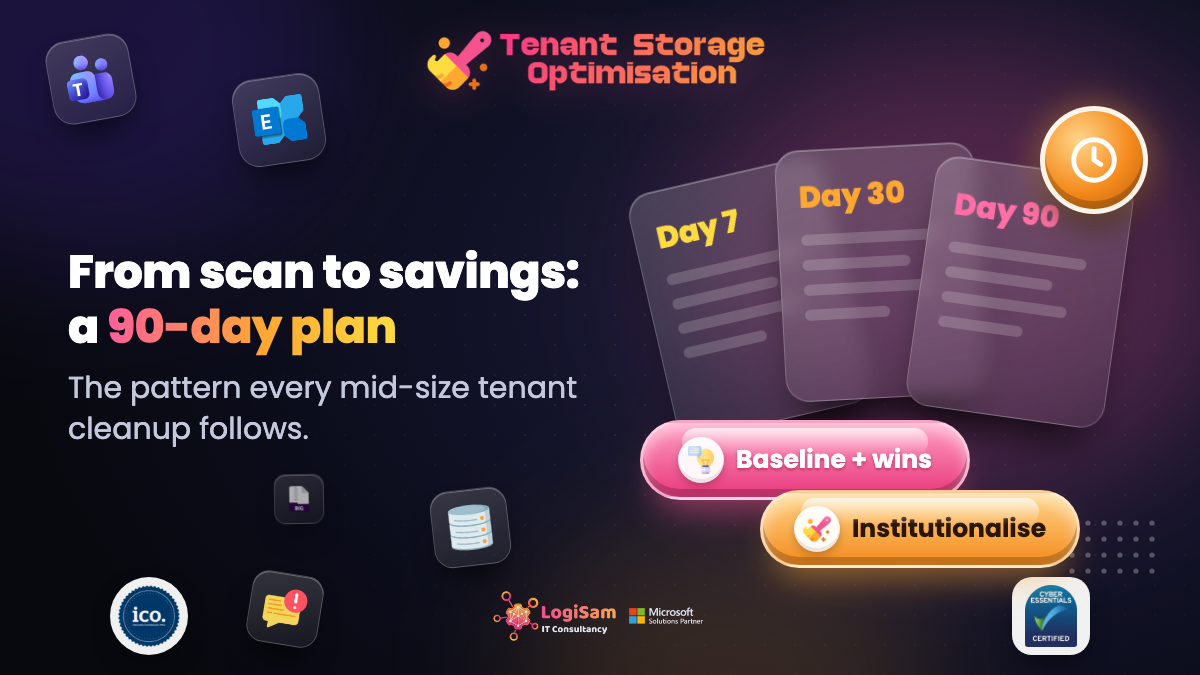
The first scan is the easy part. Turning findings into a reclaim programme is where most storage projects stall. Here is the 90-day plan we walk customers through.
Samir DaoudiFounder, LogiSam10 May 20268 min read
We have watched enough tenant clean-ups to know that the shape of a successful one is nearly always the same. Not because everyone is following our playbook — because the constraints of an M365 estate push you into the same order of operations.
Days 0-7: baseline + quick wins
- Run the first tenant scan. Bookmark the numbers — total bytes, reclaimable delta, top 20 sites.
- Empty the site-collection recycle bins on those top 20. This alone often clears 2-8% of the tenant.
- Cull orphaned OneDrives for anyone who left more than 90 days ago.
Days 8-30: talk to data owners
- Group the top-100 largest sites by department. Send each owner the top 10 largest and oldest files on their site.
- Ask them: "keep, archive, or delete". No third option.
- Codify the yes-to-delete list into a scheduled retention.
Days 31-60: duplicates + versions
- Run a duplicate sweep. Focus reclaim on groups where every copy shares the same owner (single-user duplication is the easiest to resolve).
- Cap version history on document libraries where nobody uses versioning. TSO surfaces the top offenders.
- Enable Teams meeting recording retention (30/60/90 days depending on class).
Days 61-90: institutionalise it
- Schedule a monthly TSO scan. Send the delta PDF to the M365 budget owner.
- Bake the "keep / archive / delete" question into the intake form for every new SharePoint site request.
- Set the pooled storage alert threshold below 80% so growth is caught early, not on a Friday afternoon.